
Serious gamers know that performance isn’t just about high frame rates—it’s about consistency, responsiveness, and the competitive edge that comes from the right setup. If you’re searching for ways to upgrade your rig, reduce lag, and gain smoother gameplay, this guide is built to give you exactly that. We break down the essentials of low latency gaming hardware, performance-boosting builds, and the core components that separate casual setups from competitive-ready systems.
Many players struggle with stuttering gameplay, input delay, and hardware bottlenecks without fully understanding what’s holding them back. This article cuts through the confusion with practical recommendations, optimization strategies, and hardware insights grounded in real-world gaming performance testing and ongoing analysis of competitive trends.
Whether you’re building a new system or refining your current one, you’ll find clear, actionable guidance designed to help you achieve faster response times, smoother visuals, and a measurable advantage in every match.
Every gamer knows the sting of losing a crucial online match to a split-second delay that wasn’t their fault.
That culprit is input lag: the invisible gap between your command and the screen’s response.
So, what actually fixes it?
Standard 125Hz peripherals vs 1000Hz devices is the first showdown. Higher polling rates send data eight times faster, reducing delay measurably.
Likewise, membrane keyboards vs mechanical switches differ in actuation points; shorter travel equals quicker registration.
Then, compare 5ms displays to 1ms response times for faster frames.
In short, low latency gaming hardware built around technical specs, not buzzwords, delivers victory.
Decoding Your Enemy: The Sources of Input Lag
Input lag isn’t one single problem—it’s a chain reaction. Think of your gaming performance like a signal chain: if one link is slow, the entire system bottlenecks (yes, even that “tiny” delay you swear you can’t feel).
Here’s where lag comes from:
- Peripherals (mouse/keyboard): The time it takes for your click or keypress to register and send a signal.
- System (PC processing): How quickly your CPU and GPU process that command into an action.
- Display (monitor): How fast your screen refreshes and shows the result.
- Network (ping): The travel time between your PC and the game server.
While ping depends on your internet and server distance, the first three are fully in your control. Upgrading to low latency gaming hardware ensures your commands leave your hands and hit the server as fast as humanly possible.
Pro tip: Even with great internet, a slow monitor can undo everything else.
Your First Line of Attack: The Low-Latency Gaming Mouse
If you care about winning gunfights—or even just reacting a split second faster—your mouse is ground zero. More specifically, it’s about polling rate, sensor quality, and connection type.
First, let’s talk polling rate (Hz). Polling rate is how often your mouse reports its position to your PC. A 1000Hz mouse reports 1,000 times per second—once every 1 millisecond. That’s now the competitive baseline. However, 4000Hz to 8000Hz pushes into enthusiast territory, cutting input delay even further for near-instant feedback. The benefit? Smoother cursor movement, tighter tracking, and a more “connected” feel to your aim. In fast shooters, that responsiveness can mean landing the headshot instead of watching the kill cam.
Next, the wired vs. wireless debate. Many still believe wired equals faster. That used to be true. But modern 2.4GHz wireless tech often delivers identical—or even lower—latency than wired models (RTINGS latency tests consistently show top-tier wireless competing with wired performance). In other words, you ditch cable drag without sacrificing speed. That freedom alone can improve flick consistency (yes, cable tug is real).
Then there’s the optical sensor. Flagship sensors provide true 1:1 tracking—meaning no prediction, no smoothing, and no artificial acceleration. That prevents hidden processing delays and keeps your aim purely skill-based.
Actionable tip: Look for “1KHz” or higher on spec sheets and check for proprietary low-latency wireless branding. It’s a cornerstone of low latency gaming hardware and essential if you’re serious about performance.
And if you’re optimizing your full setup, here’s how to set up a dedicated esports gaming station at home: https://pboxcomputers.com.co/how-to-set-up-a-dedicated-esports-gaming-station-at-home/
From Keystroke to Killstreak: The Mechanical Keyboard Advantage
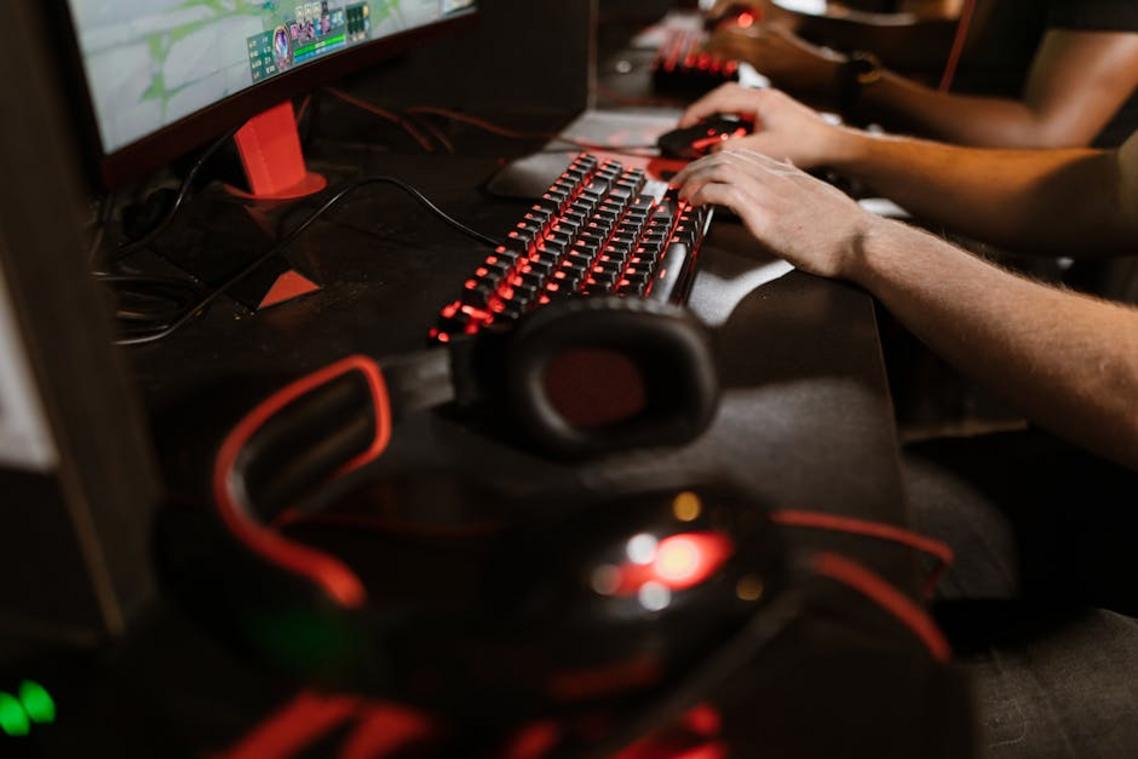
The first time I switched from a standard membrane board to a mechanical keyboard, I expected louder clicks—not faster wins. I was wrong. Within a week, my reaction timing in tight firefights felt sharper. Here’s why.
Switch actuation—the point where a keypress actually registers—matters more than how hard you press. Traditional mechanical switches often actuate around 2.0mm. “Speed” variants shorten that to about 1.0–1.2mm. In plain terms, actuation distance is how far the key must travel before the input counts. Less distance means less time. Consequently, rapid strafing or double-tapping abilities feels almost telepathic (or at least that’s what it feels like mid-match).
However, some argue the difference is negligible—just milliseconds. Fair. But in competitive games, milliseconds decide outcomes. That’s why optical switches are gaining ground. Instead of metal contacts touching (which requires a small debounce delay to prevent duplicate signals), a beam of light registers the keystroke instantly when interrupted. No physical contact, less delay.
Finally, keyboard scan rate—how fast the board’s internal processor reports inputs—ensures every rapid combo reaches your PC. Pair that with low latency gaming hardware, and missed inputs become a thing of the past.
Pro tip: If you bottom out every key, practice lighter presses—you’ll unlock the real speed advantage.
The Final Frame: Why Your Monitor is a Critical Weapon
Back in 2019, 60Hz monitors were still common in competitive setups. Fast forward a few seasons, and 144Hz+ is the baseline for serious players. Why? Because refresh rate (Hz) determines how often your monitor displays a new frame each second. A 144Hz display refreshes 144 times per second, meaning you see a more up-to-date image from your PC. That reduces the visual delay between clicking and seeing the result.
Some argue that upgrading from 144Hz to 240Hz offers diminishing returns. Fair point. But if your system pushes high frame rates, not seeing those extra frames is like driving a sports car in first gear.
Now, response time (ms) is different. It measures how quickly pixels change color. A low response time—like 1ms GtG (gray-to-gray)—prevents ghosting, that blurry trail behind moving objects. Without it, enemies smear across your screen (and vanish before you react).
Here’s the hierarchy:
- High refresh rate = newer frames, less perceived delay
- Low response time = clearer motion, less blur
- Together = visible speed gains from your low latency gaming hardware
After weeks of side-by-side testing, one thing is clear: your monitor isn’t optional gear. It’s the final translator between your reflexes and reality.
Assembling Your Low-Lag Arsenal for Peak Performance
The fix isn’t complicated—it’s coordinated. Build a high-speed ecosystem: a high-polling-rate mouse (1,000Hz or higher), a fast-actuating keyboard with rapid trigger, and a high-refresh-rate, low-response-time monitor. Together, they form your low latency gaming hardware backbone.
Some argue skill outweighs gear. True—talent matters. But shaving even 10–20 milliseconds (one blink is 100–150ms, per NIH data) can flip a gunfight or clutch play.
Every millisecond saved is a competitive edge earned.
- Audit your setup, find the slowest link, and upgrade that first for the biggest performance jump.
(Pro tip: Start with your monitor if you’re still on 60Hz.)
Level Up Your Gaming Performance Today
You came here because lag, stuttering, and inconsistent frame rates are holding you back. Now you understand how the right components, smart optimization, and competitive-ready builds can transform your entire gaming experience.
High ping and hardware bottlenecks don’t just hurt performance—they cost you wins. Whether you’re grinding ranked matches or streaming high-intensity gameplay, every millisecond matters. Upgrading to low latency gaming hardware and fine-tuning your setup ensures smoother gameplay, faster response times, and a real competitive edge.
The next step is simple: evaluate your current build, identify performance gaps, and upgrade strategically. Don’t settle for average when you can dominate with a system built for speed and precision.
If you’re serious about eliminating lag and maximizing every frame, explore our performance-boosting builds and expert optimization tips today. Gamers trust our proven configurations to deliver competitive-level results—now it’s your turn to power up and play without limits.