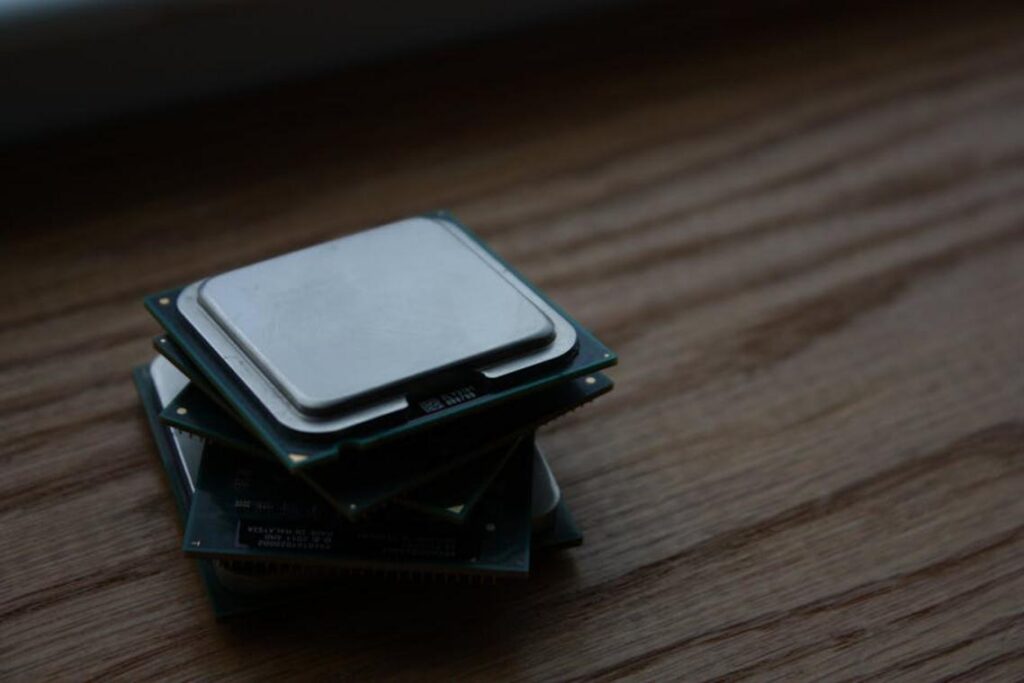
If you’re searching for a clear, up-to-date guide on building or upgrading a gaming setup, you’re in the right place. This article is designed to break down the essential gaming pc components you actually need, explain how they impact real-world performance, and help you make smarter buying decisions—whether you’re building from scratch or optimizing an existing rig.
Many gamers overspend on flashy upgrades or overlook the parts that truly drive frame rates, responsiveness, and long-term stability. Here, we focus on what matters most: balanced performance, competitive readiness, and practical optimization tips that translate into smoother gameplay.
Our insights are grounded in hands-on testing, performance benchmarking, and ongoing analysis of current gaming hardware trends. We evaluate how components perform under real gaming loads—not just on spec sheets—so you get reliable, actionable guidance.
By the end, you’ll understand which components deserve priority, where to allocate your budget, and how to build a system that keeps up with today’s most demanding titles.
Blueprint for Power
Building a high-performance gaming PC that demolishes modern titles without compromise sounds simple—until you face the chaos of parts. One wrong choice and your GPU bottlenecks, your RAM crawls, and your dream rig stutters at the worst moment. It’s infuriating.
Most gamers just want smooth frames, rich visuals, and zero lag—yet specs read like another language. That’s why understanding the essential gaming pc components matters. The CPU handles calculations, the GPU renders worlds, RAM feeds speed, storage kills load times, the motherboard connects everything, the PSU powers stability, and cooling prevents meltdowns.
We cut the noise.
The Graphics Processing Unit (GPU): Your Gateway to Visual Fidelity
At the heart of any gaming rig sits the Graphics Processing Unit (GPU)—the component responsible for rendering images, textures, lighting, and visual effects in real time. In simple terms, the GPU turns game code into the stunning worlds you actually see on screen. The stronger it is, the smoother and sharper your experience becomes (yes, this is what makes explosions look gloriously over-the-top).
What Actually Matters in a GPU?
When comparing options, focus on:
- VRAM (Video Random Access Memory): Memory dedicated to handling high-resolution textures. More VRAM means better performance at 1440p and 4K.
- Clock Speed: How fast the GPU processes data. Higher speeds generally mean more frames per second (FPS).
- Architecture: Modern designs like NVIDIA’s RTX 40-series and AMD’s RX 7000-series support ray tracing—realistic lighting that mimics how light behaves in the real world.
Right now, NVIDIA and AMD dominate the landscape, each offering high-end cards capable of breathtaking fidelity.
However, here’s the real benefit: matching your GPU to your monitor. A powerhouse card paired with a 1080p 60Hz display is like putting a race engine in a city scooter. Instead, align performance with your resolution and refresh rate for maximum value.
For a deeper dive into essential gaming pc components, remember—the GPU is your biggest visual upgrade.
The Central Processing Unit (CPU): The Brain of the Operation)
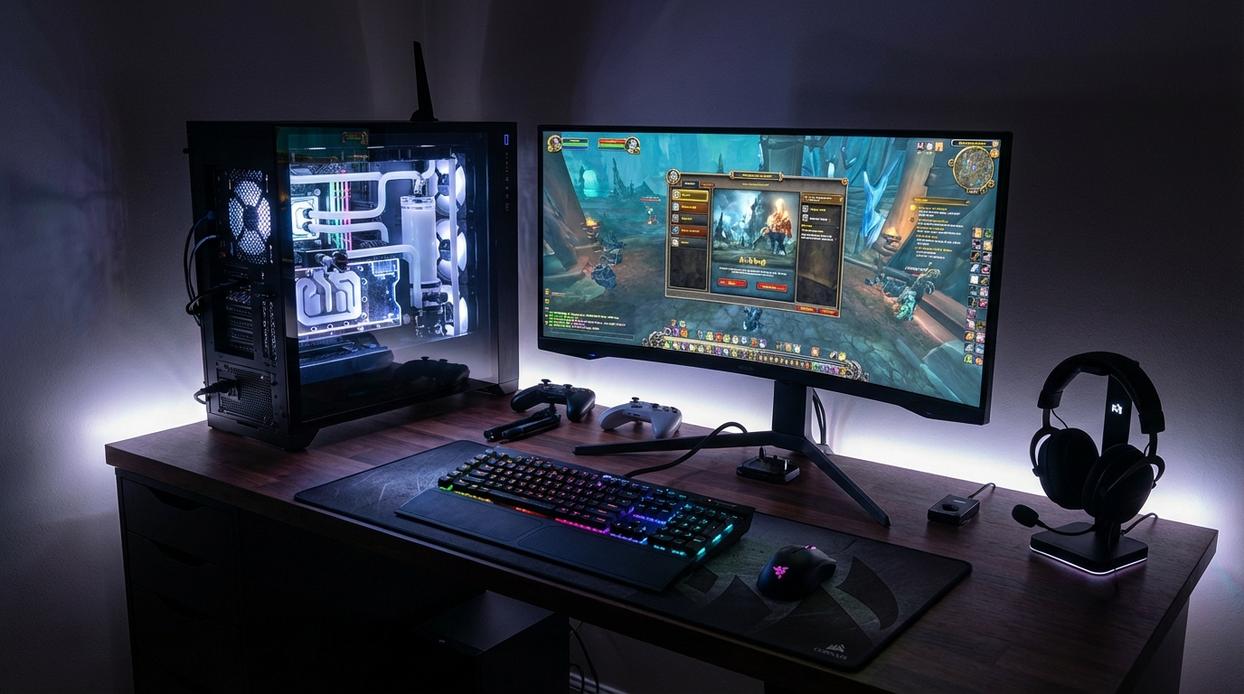
The Central Processing Unit (CPU) is your PC’s command center—the component that processes instructions, runs game logic, calculates physics, manages AI behavior, and tells every other part what to do. In short, it keeps your system thinking fast so your gameplay feels smooth and responsive.
When choosing a CPU, two metrics matter most: core count and clock speed. Core count refers to how many processing units the chip has (great for multitasking or streaming), while clock speed measures how fast each core runs (critical for high FPS in competitive titles). Striking the right balance means better performance now—and fewer upgrades later.
For high-performance gaming, modern i7/i9 or Ryzen 7/9 processors hit the sweet spot. Anything weaker risks bottlenecking, which happens when your CPU limits a powerful GPU’s output. Even the best graphics card can’t shine if the CPU lags behind.
That’s why balancing essential gaming pc components pays off—more frames, smoother matches, and a system built to win.
Memory and Storage: The Speed of Access
RAM (Random Access Memory) is your system’s short-term memory—it holds the data your PC needs RIGHT NOW. More RAM means smoother multitasking, faster level loads, and fewer stutters mid-fight. For high-performance gaming, 32GB of DDR5 is the current sweet spot. Speed matters too: higher MHz allows data to move faster between components, improving frame consistency (especially in open-world or competitive titles).
Storage is where real speed gains become obvious. An NVMe M.2 SSD uses flash memory to deliver drastically reduced load times compared to traditional HDDs. That means:
• Faster boot times
• Quicker game launches
• Seamless map transitions
A 1TB–2TB primary NVMe SSD should house your OS and key games, while a secondary SSD stores your larger library. The benefit? Less waiting, more playing. Pair this with other essential gaming pc components and you unlock peak responsiveness—especially when choosing the right gaming monitor for competitive performance.
Motherboard and Power Supply (PSU): The Foundation and Fuel
If the CPU is the brain, the motherboard is the central nervous system—connecting every essential gaming pc components into one cohesive machine. It determines compatibility, expansion, and long-term upgrade potential. For high-end builds, I always recommend chipsets like Z790 (Intel) or X670 (AMD) because they unlock advanced features and overclocking support. Don’t ignore VRM quality (Voltage Regulator Module—responsible for stabilizing CPU power delivery). Weak VRMs can throttle performance under load (and yes, I’ve seen it happen mid-match). Robust I/O ports—USB-C, high-speed Ethernet, ample M.2 slots—also matter more than people admit.
Now, the PSU? This is not where you save money. A quality 850W–1000W unit gives headroom for modern GPUs. Look for 80+ Gold or Platinum efficiency ratings (meaning less wasted energy and more stable output) (U.S. DOE efficiency standards).
- 850W–1000W for high-end GPUs
- 80+ Gold or better
- Reputable brand with protections
In my opinion, a cheap PSU in a premium build is like putting regular gas in a race car.
Cooling and Case: Maintaining Peak Performance
The Need for Cooling
Thermal throttling is when your CPU or GPU automatically slows down because temperatures get too high. It’s a built-in safety feature (think of it as your hardware hitting the brakes before a crash). When components overheat, performance drops to prevent damage—sometimes dramatically. Exactly how much heat is too much? That’s debated, since different chips tolerate different limits, and manufacturers don’t always publish clear thresholds.
Cooling Solutions
- High-end air coolers – Large dual-tower heatsinks are reliable, quieter than many expect, and often cheaper. Downsides? Bulk and RAM clearance issues.
- AIO liquid coolers – Better aesthetics and case clearance, potentially lower peak temps. But pump failure, while rare, is still a risk.
Some argue liquid is always superior. I’m not entirely convinced—it depends on airflow and workload.
The PC Case Matters
A ventilated case keeps essential gaming pc components performing under load. Mesh fronts and multiple fans improve airflow (pro tip: prioritize intake balance). For deeper optimization insights, see https://pboxcomputers.com/.
Assembling Your Victory: The Final Check
You’ve got the list. The essential gaming pc components are in front of you. And yet, it’s frustrating: why do some rigs still stutter?
Here’s the truth: performance is about synergy, not flexing the priciest GPU or CPU. When your RAM bottlenecks or your cooling lags, frames drop—and so does your mood.
On the other hand, balance turns specs into dominance. Pair wisely, optimize deliberately, and test relentlessly. If you’re unsure, start with a blueprint like this one: https://example.com.
So build smart and step confidently into your next match for peak performance.
Power Up Your Setup the Right Way
You came here to understand what truly matters when building or upgrading your gaming machine — and now you know exactly which essential gaming pc components make the biggest difference in performance, speed, and competitive edge. No more guessing. No more wasting money on upgrades that don’t move the needle.
The reality is frustrating: lag spikes, low frame rates, and overheating can ruin your gameplay and hold you back when every millisecond counts. Choosing the right essential gaming pc components is what separates smooth, high-FPS dominance from constant performance issues.
Now it’s time to act. Upgrade the weak links in your setup, fine-tune your system, and build for the performance level you actually want. If you’re serious about smoother gameplay, faster load times, and competitive-ready power, explore proven performance-boosting builds and optimization strategies trusted by dedicated gamers.
Don’t settle for average performance. Upgrade smart, optimize properly, and take control of your gaming experience today.