

Choosing between air vs liquid cooling for gaming can directly impact your PC’s performance, noise levels, and long-term reliability. If you’re building or upgrading a gaming rig, you’re likely wondering which cooling solution delivers better temperatures, smoother gameplay, and the best value for your budget. With modern GPUs and CPUs pushing higher clock speeds, effective cooling isn’t optional—it’s essential.
This article breaks down how each cooling method works, compares real-world gaming performance, and highlights the pros and cons that matter most to competitive and casual players alike. You’ll learn how airflow, radiator size, case compatibility, and maintenance requirements influence your final decision.
Our insights are based on extensive hardware testing, performance benchmarks, and practical optimization experience across a wide range of gaming builds. By the end, you’ll have a clear understanding of which cooling setup aligns with your performance goals, budget, and play style.
Unlocking Peak Performance: The Ultimate PC Cooling Showdown
Choosing between air and liquid cooling isn’t just cosmetic—it directly impacts frame rates, stability, and hardware lifespan. The core debate around air vs liquid cooling for gaming comes down to four factors:
- Performance: Liquid cooling typically dissipates heat more efficiently under sustained loads, reducing thermal throttling (when CPUs or GPUs slow down to prevent overheating).
- Cost: Air coolers are often more budget-friendly with fewer failure points.
- Noise: Large air coolers can be quiet, but premium liquid setups often win under extreme loads.
- Maintenance: Air is simpler; liquid may require monitoring for pump wear.
Some argue air cooling is “good enough.” For many mid-range builds, that’s true. But high-refresh competitive gaming pushes hardware harder.
Speculation: As CPUs grow hotter, liquid solutions may become the mainstream standard rather than the enthusiast choice.
The Workhorse: Understanding Air Cooling Technology
At its core, air cooling is beautifully simple. A heat sink (a block of metal with thin fins) pulls heat away from your CPU. Heat pipes—sealed tubes filled with liquid that evaporates and condenses—move that heat toward the fins. Then a fan pushes cool air across them, carrying the heat out of your case. It’s basic physics, not magic (even if RGB lighting tries to convince you otherwise).
Why Gamers Still Swear by It
In my opinion, modern air coolers hit the sweet spot. They’re reliable, affordable, and shockingly capable. High-end models routinely handle today’s gaming CPUs without breaking a sweat. While debates around air vs liquid cooling for gaming rage on, I’d argue most players don’t need the extra complexity.
Contrary to popular belief, air cooling isn’t automatically loud or underpowered. With quality fans and smart case airflow, it’s whisper-quiet. For budget builds or performance-focused rigs, it’s the dependable, no-nonsense choice.
The Enthusiast’s Choice: Demystifying Liquid Cooling
Liquid cooling works by moving heat instead of just blowing it around. A pump pushes coolant (a heat-absorbing liquid) through a water block mounted on your CPU. The liquid absorbs heat, travels to a radiator, and fans disperse that heat into the air. Think of it like a car radiator—same principle, smaller scale (and thankfully quieter).
AIO vs. Custom Loops
An All-In-One (AIO) cooler is preassembled, sealed, and beginner-friendly. Install it, mount the radiator, DONE. A custom loop, on the other hand, lets you choose tubing, reservoirs, and even cool your GPU—but it requires planning and maintenance.
Some argue air cooling is simpler and cheaper—and that’s true. But when peak temperatures matter, liquid wins. In debates about air vs liquid cooling for gaming, the edge shows up during overclocking and marathon sessions.
Practical tip: Mount your radiator as exhaust at the top for optimal airflow. Pair cooling upgrades with smarter hardware planning—see how to optimize gpu and cpu pairing for smooth gameplay.
Best for overclockers, streamers, and clean, minimalist builds craving PERFORMANCE.
Head-to-Head: Air vs. Liquid Across 5 Key Gaming Metrics
Thermal Performance & Overclocking
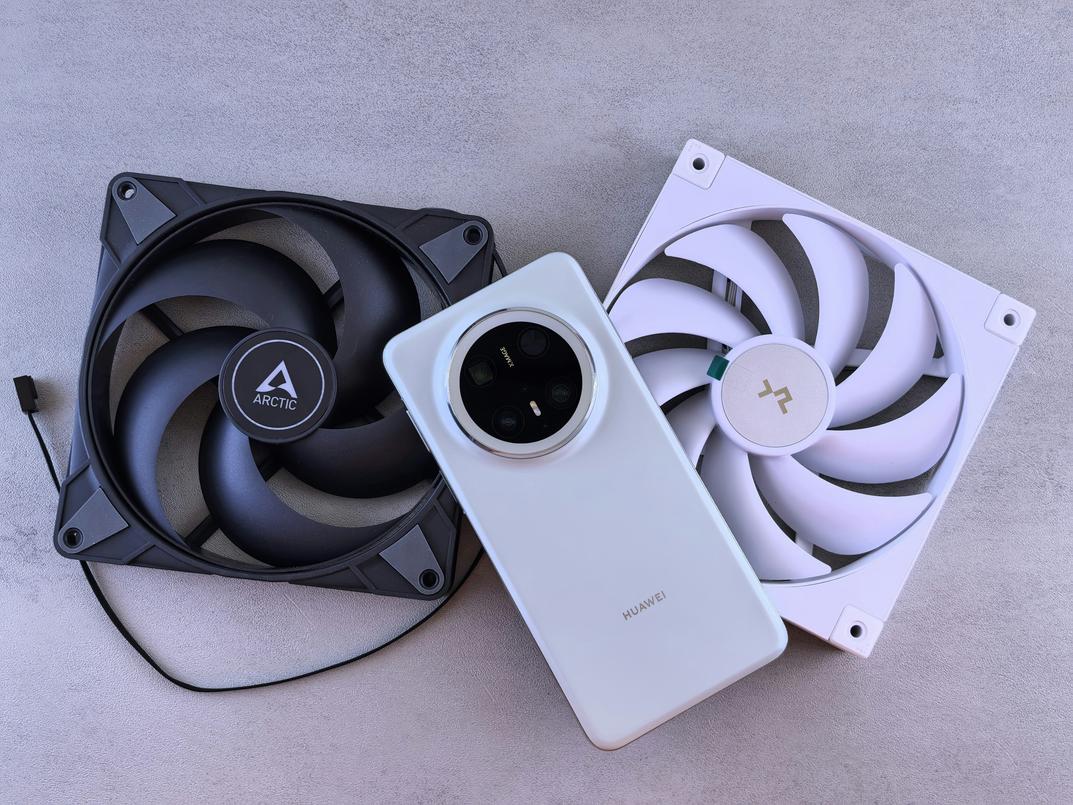
When comparing raw cooling power, the biggest question is simple: how far do you want to push your CPU? Thermal performance refers to how effectively a cooler removes heat from your processor under load. High-end air coolers—think dual-tower heatsinks with 140mm fans—can rival many mid-range AIO (All-In-One) liquid coolers in standard gaming workloads. For most players running stock or mild overclocks, that’s more than enough.
However, premium 240mm–360mm liquid coolers provide greater thermal headroom (extra capacity to handle heat spikes). This matters if you’re overclocking or running CPU-intensive titles like strategy sims or competitive shooters at high frame rates. Liquid systems move heat away from the socket faster, reducing thermal throttling. If squeezing every MHz matters, liquid often wins.
Acoustics & Noise Levels
Noise is measured in decibels (dB), but perception matters more than numbers. Air coolers typically produce a steady fan hum under load. Liquid coolers add a pump, which introduces a second sound source.
Quality makes the difference. Better bearings, optimized fan curves (custom speed profiles tied to temperature), and vibration damping can make either setup whisper-quiet. In some builds, air is quieter because there’s no pump. In others, large radiators let liquid systems spin fans slower, reducing noise. Tuning your fan curve in BIOS is a practical way to lower sound without sacrificing temps.
Installation & Maintenance
Air coolers are mechanically simple: mount the bracket, secure the heatsink, attach fans. Clearance is the main hurdle. Liquid AIOs require mounting both a pump block and a radiator, which adds routing and case-fit considerations.
The old “leak risk” fear with modern sealed AIOs is largely outdated. Failures are rare due to improved manufacturing standards (see warranty data from major brands like Corsair and NZXT). Long term, air coolers need periodic dusting. Liquid systems also need dust removal, but pump lifespan—typically 5–7 years—can be a factor.
Cost & Value
Air cooling dominates performance-per-dollar. You can get excellent thermals at a midrange price. Liquid costs more, primarily for peak performance and visual appeal.
Aesthetics & Case Compatibility
Large air towers can block RAM slots and look bulky. AIOs create a cleaner CPU area, shifting bulk to a radiator mount. Just confirm your case supports tall heatsinks or 240mm/360mm radiators before choosing between air vs liquid cooling for gaming.
Which Cooling Method Wins for Your Build?
When it comes to air vs liquid cooling for gaming, I don’t think there’s a universal winner—just smarter fits for specific players.
For the Competitive Esports Player: I’ll take a high-end air cooler every time. It’s dependable, mechanically simple, and less likely to fail mid-tournament (because no one wants pump issues before match point). Consistent thermals mean consistent frame pacing, and that’s what wins games.
For the Overclocking Enthusiast: This is where I lean toward a 280mm or 360mm AIO. If you’re pushing voltage and chasing benchmark glory, you need serious thermal headroom. Liquid dissipates heat faster under sustained loads—especially during stress tests.
For the Silent Build Creator: Big tower air coolers running low RPM fans are hard to beat. Fewer moving parts, no pump whine—just smooth airflow.
For the SFF Builder: It’s case-dependent. Low-profile air works, but compact AIOs can vent heat directly out, which I personally prefer in tight layouts.
Making the Final Decision for a Cooler, Faster PC
You now have a clear framework for choosing between air vs liquid cooling for gaming based on your budget, case size, and performance goals. The core rule is simple: stop thermal throttling so your CPU sustains boost clocks (Intel explains throttling reduces speed to manage heat, Intel.com).
If you want straightforward reliability:
- Choose high-end air for value and low maintenance.
- Choose liquid for maximum overclocking headroom.
Pick your path and build for stable, peak sessions.
Level Up Your Cooling Strategy Today
You came here to finally understand the real differences in air vs liquid cooling for gaming — and now you have the clarity to choose what actually fits your performance goals, budget, and setup.
Overheating, throttled FPS, loud fans, and unstable performance can ruin your gaming experience. The right cooling solution isn’t just a cosmetic upgrade — it directly impacts your frame rates, hardware lifespan, and competitive edge. Whether you value simplicity and reliability or maximum thermal performance for overclocking, you now know exactly what to look for.
The next step is simple: choose the cooling system that matches your build goals and optimize it properly. Don’t let poor thermals bottleneck your GPU or CPU when a smarter setup can unlock smoother gameplay instantly.
If you’re serious about peak performance, explore our performance-boosting builds and expert optimization tips today. Gamers trust our proven configurations to run cooler, quieter, and faster. Upgrade your cooling, maximize your FPS, and build a system that keeps up with your skills.
 There is a specific skill involved in explaining something clearly — one that is completely separate from actually knowing the subject. Selrith Norcrofta has both. They has spent years working with gaming pulse in a hands-on capacity, and an equal amount of time figuring out how to translate that experience into writing that people with different backgrounds can actually absorb and use.
Selrith tends to approach complex subjects — Gaming Pulse, Performance Boosting Builds, Optimization Tips for Gamers being good examples — by starting with what the reader already knows, then building outward from there rather than dropping them in the deep end. It sounds like a small thing. In practice it makes a significant difference in whether someone finishes the article or abandons it halfway through. They is also good at knowing when to stop — a surprisingly underrated skill. Some writers bury useful information under so many caveats and qualifications that the point disappears. Selrith knows where the point is and gets there without too many detours.
The practical effect of all this is that people who read Selrith's work tend to come away actually capable of doing something with it. Not just vaguely informed — actually capable. For a writer working in gaming pulse, that is probably the best possible outcome, and it's the standard Selrith holds they's own work to.
There is a specific skill involved in explaining something clearly — one that is completely separate from actually knowing the subject. Selrith Norcrofta has both. They has spent years working with gaming pulse in a hands-on capacity, and an equal amount of time figuring out how to translate that experience into writing that people with different backgrounds can actually absorb and use.
Selrith tends to approach complex subjects — Gaming Pulse, Performance Boosting Builds, Optimization Tips for Gamers being good examples — by starting with what the reader already knows, then building outward from there rather than dropping them in the deep end. It sounds like a small thing. In practice it makes a significant difference in whether someone finishes the article or abandons it halfway through. They is also good at knowing when to stop — a surprisingly underrated skill. Some writers bury useful information under so many caveats and qualifications that the point disappears. Selrith knows where the point is and gets there without too many detours.
The practical effect of all this is that people who read Selrith's work tend to come away actually capable of doing something with it. Not just vaguely informed — actually capable. For a writer working in gaming pulse, that is probably the best possible outcome, and it's the standard Selrith holds they's own work to.