Choosing between mechanical vs membrane keyboard gaming can feel overwhelming, especially when every gamer claims their setup is the best. If you’re trying to decide which keyboard will actually improve your reaction time, comfort, and overall performance, you’re in the right place.
This article breaks down the real differences that matter in competitive and casual play—speed, durability, tactile feedback, noise levels, and long-term value. Instead of repeating marketing claims, we focus on performance data, hands-on testing insights, and optimization principles used in serious gaming setups.
Whether you’re building your first rig or upgrading for competitive play, you’ll learn how each keyboard type impacts gameplay and which option aligns with your style, budget, and performance goals. By the end, you’ll have a clear, practical understanding of which keyboard gives you the edge—and why.
The Gamer’s Dilemma: Choosing Your Ultimate Weapon
The debate over mechanical vs membrane keyboard gaming comes down to switch technology. A mechanical keyboard uses individual mechanical switches (spring-loaded mechanisms under each key), while a membrane keyboard relies on a pressure pad system beneath a rubber dome layer.
| Feature | Mechanical | Membrane |
|———-|————|————|
| Actuation | Physical switch | Pressure pad |
| Response Time | Faster reset | Slightly slower |
| Lifespan | 50–100M keystrokes | 5–10M keystrokes |
| Cost | Higher | Budget-friendly |
Mechanical switches provide tactile feedback and quicker actuation—ideal for FPS precision. Membrane boards are quieter and cheaper (helpful for late-night sessions). Pro tip: competitive players often prioritize actuation consistency over price.
Under the Keycaps: The Core Technology Driving Performance
Mechanical keyboards house an individual physical switch beneath every key. Each switch contains a spring and metal contacts that actuate at a specific point in the key’s travel, meaning the signal registers before the key bottoms out. In fact, gaming switches actuate at around 2.0mm of a 4.0mm travel distance (Cherry MX data sheet), reducing unnecessary movement. As a result, players can reset and re‑press keys faster during strafing or ability rotations.
By contrast, membrane keyboards rely on a single rubber dome sheet layered over a circuit board. Here, the key must be fully pressed—“bottomed out”—to collapse the dome and complete circuit. Consequently, actuation and bottoming out are one event.
So why does this matter? In mechanical vs membrane keyboard gaming, actuation can shave milliseconds off inputs. Research shows reaction time differences as small as 10–20ms influence competitive outcomes (Human Benchmark studies).
Speed and Precision: The Competitive Edge in Keystrokes
In competitive gaming, milliseconds matter. Mechanical switches activate at an actuation point—the precise spot where a keypress registers—before the key is fully pressed down. That means faster inputs without “bottoming out” (pressing the key all the way to the base). In FPS titles like Valorant or Call of Duty, shaving off even a few milliseconds when strafing or counter-strafing can be the difference between landing the headshot or watching the kill cam.
Critics argue that the speed difference is negligible and that skill outweighs hardware. Fair point—raw talent always wins long term. But when two equally skilled players face off, SMALL ADVANTAGES STACK. Research on input latency shows reduced travel distance can improve reaction efficiency over repeated actions (Soukoreff & MacKenzie, 2004).
Then there’s N-Key Rollover (NKRO)—the ability for a keyboard to register multiple simultaneous key presses without conflict. Combined with anti-ghosting (preventing unregistered inputs), it ensures every command fires correctly. In MMOs, chaining movement, modifiers, and spell casts requires precision. Miss one input, and your rotation collapses (and so might your raid spot).
Membrane keyboards, by contrast, rely on pressure pads that often feel “mushy.” Because they require full depression, inputs can feel slower and less distinct, leading to finger fatigue during marathon sessions.
• SPEED: Faster actuation, quicker response
• PRECISION: Clear tactile feedback
• CONSISTENCY: Reliable multi-key input
Some players insist mechanical vs membrane keyboard gaming is overhyped. Yet in high-stakes matches, consistency isn’t hype—it’s insurance. Pro tip: lighter switches reduce fatigue during extended grind sessions.
Tactile Feedback and Customization: Tailoring Your Setup
I’ll admit it—I once bought a keyboard purely because it looked cool. Zero research. Big mistake.
The World of Mechanical Switches
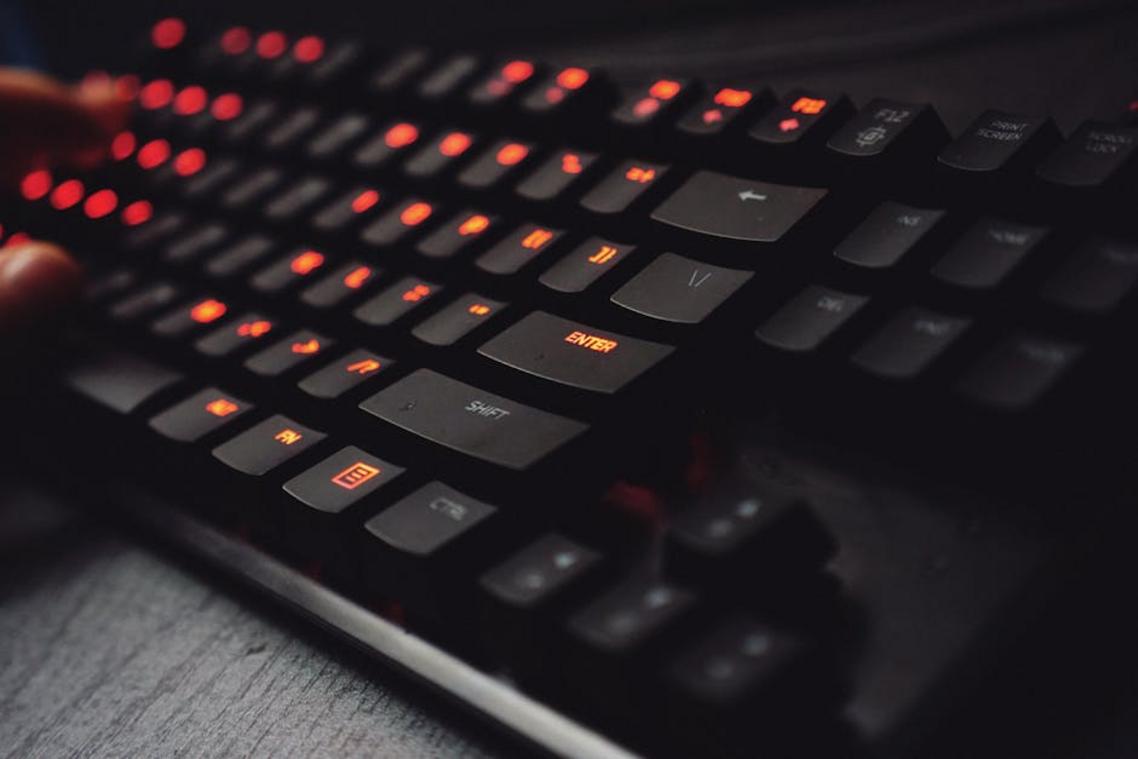
Mechanical switches fall into three main categories:
- Linear: Smooth keystrokes with no bump. Ideal for fast-paced FPS titles where split-second strafes matter (think Valorant or CS2).
- Tactile: A noticeable bump mid-press. Great for MOBAs where ability timing and feedback matter.
- Clicky: Tactile and audible. That sharp click is satisfying (and mildly addictive), but not roommate-friendly.
I ignored these differences at first and ended up with clicky switches for late-night gaming. Lesson learned.
The Uniformity of Membrane
Membrane keyboards use a pressure pad system (a rubber dome layer registering key presses). The feel is soft and consistent—but less defined. There’s little variation between models. In mechanical vs membrane keyboard gaming, that lack of feedback can feel limiting over time.
Unlocking Customization
Mechanical boards unlock serious personalization: custom keycaps (ABS or PBT plastic, different profiles), artisan caps, and hot-swappable switches for testing new feels without soldering.
Membrane boards? What you buy is what you get.
Pro tip: Pair your keyboard upgrades with insights from this guide on how to choose the right gaming mouse for your playstyle.
Durability and Longevity: An Investment in Your Hobby
When comparing mechanical vs membrane keyboard gaming, durability is where the gap becomes obvious. Mechanical switches are typically rated for 50–100 million keystrokes per key, while membrane keyboards average just 5–10 million (manufacturers’ specifications). That’s not a small difference—it’s the difference between years of heavy ranked play and a board that taps out early.
Over time, membrane boards rely on rubber domes—flexible silicone layers that register input when pressed. Those domes wear down, leading to a mushy or “sticky” feel (you’ll notice it mid-match, of course). Mechanical switches use individual spring-loaded mechanisms that maintain consistent actuation for years.
- Mechanical: Higher lifespan, consistent feel, replaceable switches
- Membrane: Shorter lifespan, degrading feel, full-board replacement
Here’s the clincher: if one mechanical switch fails, you can often replace it. On a membrane board, one failure usually means replacing everything.
Making the Final Choice for Your Gaming Rig
When it comes to pure performance, mechanical keyboards are the clear winners. Their individual mechanical switches (separate components under each key) provide faster actuation, stronger durability—often rated for 50–100 million keystrokes (Cherry MX data)—and consistent feedback that competitive players rely on. In fast-paced shooters or MOBAs, that precision can translate into real in-game advantages (yes, milliseconds matter).
That said, membrane keyboards—using pressure pads instead of individual switches—are quieter and far more budget-friendly. If you’re gaming casually, sharing space, or building your first setup, they’re a practical choice.
Here’s a simple decision framework:
- Choose mechanical if you want long-term durability and peak responsiveness.
- Choose membrane if budget and quiet operation matter most.
The debate around mechanical vs membrane keyboard gaming ultimately comes down to priorities. Invest where it impacts your experience most.
Level Up Your Setup with the Right Keyboard Choice
You came here to settle the debate around mechanical vs membrane keyboard gaming, and now you have a clear understanding of how each option impacts speed, precision, durability, and overall performance. Whether you value tactile feedback and rapid actuation or prefer a quieter, budget-friendly setup, the right choice comes down to how you play—and how seriously you take your competitive edge.
The real frustration isn’t just picking a keyboard. It’s losing matches because your gear can’t keep up. Input lag, missed keystrokes, and inconsistent response times can hold you back when every millisecond matters. Your setup should enhance your skill, not limit it.
Now it’s time to act. Upgrade to a high-performance keyboard built for competitive play and experience faster response times, greater durability, and optimized gaming precision. Explore top-rated gaming keyboards trusted by serious players and start dominating your matches today. Don’t let outdated gear cost you another win—upgrade now and feel the difference instantly.