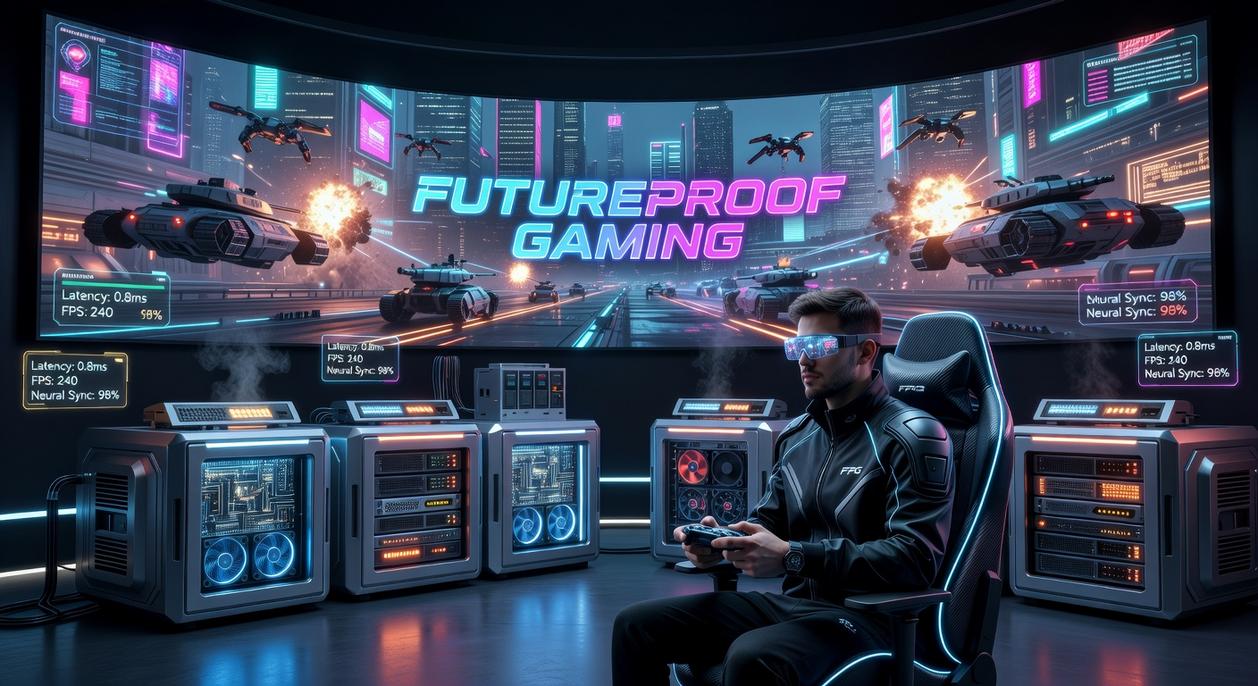
If you’re searching for ways to build or upgrade a gaming PC that won’t feel outdated in a year, you’re in the right place. Gamers today face a fast-moving landscape of new GPUs, evolving CPU architectures, and increasingly demanding titles—making it harder than ever to choose the right components with confidence. This article is designed to cut through the noise and give you clear, practical guidance on performance-boosting builds, essential hardware upgrades, and smart strategies for future proof gaming pc upgrades.
We base our insights on hands-on testing, real-world performance benchmarks, and ongoing analysis of competitive gaming requirements. Instead of chasing hype, we focus on what actually improves frame rates, stability, and long-term value. Whether you’re building a competitive rig or optimizing your current setup, you’ll find straightforward advice tailored to serious gamers who want lasting performance and a real edge.
Beyond FPS: Crafting a Gaming Rig That Evolves With You
Think of your gaming PC like a house. You wouldn’t rebuild it every year—you’d lay a strong foundation and renovate smartly. The same logic applies to strategic upgrades.
Too many players chase short-term FPS boosts, like adding spoilers to a car with a weak engine. Instead, focus on:
- Platform longevity (a motherboard and socket that support next-gen CPUs)
- Balanced components to avoid performance bottlenecks
- Emerging tech readiness like PCIe advancements
True future proof gaming pc upgrades aren’t about excess—they’re about alignment. Build for tomorrow’s titles today, and your rig won’t just survive hardware cycles—it’ll glide through them.
The Foundation: Why Your CPU, Motherboard, and RAM Dictate Your PC’s Future
The CPU Socket Dilemma
Your CPU socket is the physical interface that connects your processor to the motherboard. Choose wrong, and you lock yourself into a dead platform. Choose wisely, and you gain years of upgrade flexibility.
Take AMD’s AM5 socket. AMD has publicly committed to supporting AM5 through at least 2027 (AMD roadmap statements, 2023), meaning future CPUs should drop into today’s compatible boards with a BIOS update. Contrast that with historically short-lived sockets that force a full motherboard replacement after one generation. Some argue that upgrading the entire platform every few years ensures maximum performance. That’s true for elite enthusiasts—but most gamers want incremental, cost-effective gains.
For future proof gaming pc upgrades, socket longevity is step one.
Motherboard Must-Haves for Tomorrow
Not all motherboards are created equal. Two often-overlooked factors:
- PCIe 5.0 Support – PCIe (Peripheral Component Interconnect Express) is the data highway for GPUs and SSDs. PCIe 5.0 doubles bandwidth over PCIe 4.0 (PCI-SIG specifications), preparing you for next-gen GPUs and ultra-fast NVMe drives.
- VRM Quality – Voltage Regulator Modules manage CPU power delivery. Weak VRMs throttle high-end CPUs. Strong VRMs enable seamless future upgrades (and prevent your board from sweating under pressure).
Competitors often focus on RGB and aesthetics. The real differentiator? Power delivery thermals and lane allocation flexibility—details buried in spec sheets.
RAM: Setting the New Standard with DDR5
DDR5 offers higher bandwidth and improved power efficiency compared to DDR4 (JEDEC standards). For modern open-world and simulation titles, 32GB is quickly becoming baseline. Aim for balanced specs: moderate latency (CL) with 5600–6000MHz speeds.
Pro tip: prioritize motherboard quality first. It’s the true backbone of every meaningful upgrade.
The Graphics Card Endgame: VRAM, Upscaling, and Power
The uncomfortable truth? 8GB of VRAM (Video Random Access Memory, the onboard memory your GPU uses to store textures and assets) is no longer enough for high-texture gaming at 1440p and above. Modern titles like Hogwarts Legacy and The Last of Us Part I can exceed 10–12GB at higher settings (TechPowerUp, 2023 benchmarks). When VRAM fills up, performance tanks—stuttering, texture pop-in, and sudden frame drops follow.
That’s why 12GB is the new minimum, and 16GB+ is the ideal target for longevity. Some argue that raw GPU speed matters more than memory size. That’s partially true—until you hit the VRAM wall. At that point, even a faster chip can’t compensate. A slightly slower card with more memory often delivers smoother real-world performance over time (especially as textures get heavier each year).
AI-Powered Performance Is the New Safety Net
Technologies like DLSS 3 (Deep Learning Super Sampling with Frame Generation) and FSR 3 (AMD’s AI-assisted upscaling) use machine learning to generate extra frames and boost performance. Hardware-level AI cores aren’t gimmicks—they’re longevity tools. As games become more demanding, these features act like a performance cushion. Think of them as your GPU’s “training montage” before the boss fight.
Power and Connectivity Matter More Than Ever
Modern GPUs increasingly rely on the 12VHPWR connector, capable of delivering up to 600W (PCI-SIG specification). Rising power draw means a high-quality PSU with proper cable support isn’t optional—it’s essential. Pro tip: avoid adapters when possible; native cables reduce risk and improve stability.
In the end, a mid-range GPU with high VRAM often outlasts a high-end model with limited memory. For future proof gaming pc upgrades, choose capacity, AI support, and clean power delivery over flashy benchmarks.
Unlocking True Speed: The NVMe and Power Supply Imperative
Let’s be honest: if you’re still gaming on a SATA SSD, you’re basically watching buffering wheels in 2026. Gen4 and Gen5 NVMe SSDs (NVMe stands for Non-Volatile Memory Express, a high-speed storage protocol) paired with Microsoft’s DirectStorage technology allow assets to stream directly from the SSD to the GPU, bypassing CPU bottlenecks. The result? Near-instant load times. Games like Forspoken have already demonstrated dramatically reduced loading when using DirectStorage (Square Enix, 2023). In my opinion, a fast NVMe drive isn’t a luxury anymore—it’s foundational.
Some argue that “a few extra seconds” of loading doesn’t matter. I disagree. Competitive gaming is about flow. Break immersion, break performance. If you’re researching how to build a high fps gaming pc for competitive titles, storage speed should be on your essentials list.
Now, the real unsung hero: your PSU (Power Supply Unit). An 80+ Gold-rated unit (meaning at least 87–90% efficiency under typical loads, per 80 PLUS certification standards) with 20–30% wattage headroom protects against voltage instability. Cheap, underpowered PSUs can cause cascade failure—damaging GPUs or motherboards.
Rule of thumb? Never reuse a bargain-bin PSU. For future proof gaming pc upgrades, invest once and carry it forward. Your system—and wallet—will thank you.
Cooling and Optimization: Maximizing Your Hardware’s Lifespan
A high-end CPU or GPU that overheats will thermal throttle—automatically slowing down to prevent damage (great for safety, terrible for frame rates). Quality air coolers or AIO (All-In-One liquid) systems paired with high-airflow cases maintain stable clock speeds and extend component life. Proper airflow reduces heat soak across VRMs, RAM, and storage.
Software tweaks matter too:
- Enable XMP/EXPO in BIOS for rated RAM speeds
- Update GPU drivers for performance patches
- Trim startup programs to free system resources
Consistent cooling supports future proof gaming pc upgrades and protects long-term performance.
Your Strategic Upgrade Blueprint
You’ve got the framework. Now it’s execution time.
“I’m tired of upgrading every two years,” a friend told me. “It feels like renting performance.” That frustration is real. The fix? Think platform-first. Prioritize a modern motherboard, ample VRAM (video memory that stores textures and graphics data), and a power supply with headroom.
“Build for the games you haven’t met yet,” another gamer said—and that’s the mindset behind future proof gaming pc upgrades.
- Choose components that scale, not just spike benchmarks.
Yes, some argue frequent small upgrades keep you current. Fair. But strategic investments age slower—and perform longer.
Build Today. Dominate Tomorrow.
You came here to understand how to build a gaming PC that won’t fall behind in a year. Now you know what truly matters—balanced components, smart GPU and CPU pairing, upgrade-friendly motherboards, fast storage, and cooling that protects long-term performance.
The frustration of outdated hardware, frame drops in competitive matches, and wasted money on the wrong upgrades is real. A poorly planned build doesn’t just cost you performance—it costs you wins.
The right approach to future proof gaming pc upgrades ensures your system stays powerful, adaptable, and ready for the next wave of demanding titles. With the right foundation, you won’t need a full rebuild every time new hardware launches.
Now it’s time to act. Choose components designed for scalability, optimize your setup for peak performance, and invest in a build that grows with you. If you want a high-performance rig built for longevity and competitive dominance, explore our performance-boosted gaming builds and optimization guidance today. We’re trusted by serious gamers who demand more power, more speed, and zero compromises.
Upgrade smart. Play harder. Start building your advantage now.